Live Transclusion
Embed files, sections, code symbols, and data paths with ![[file.md]] syntax. Nested markdown recurses up to 3 levels deep with circular reference protection.

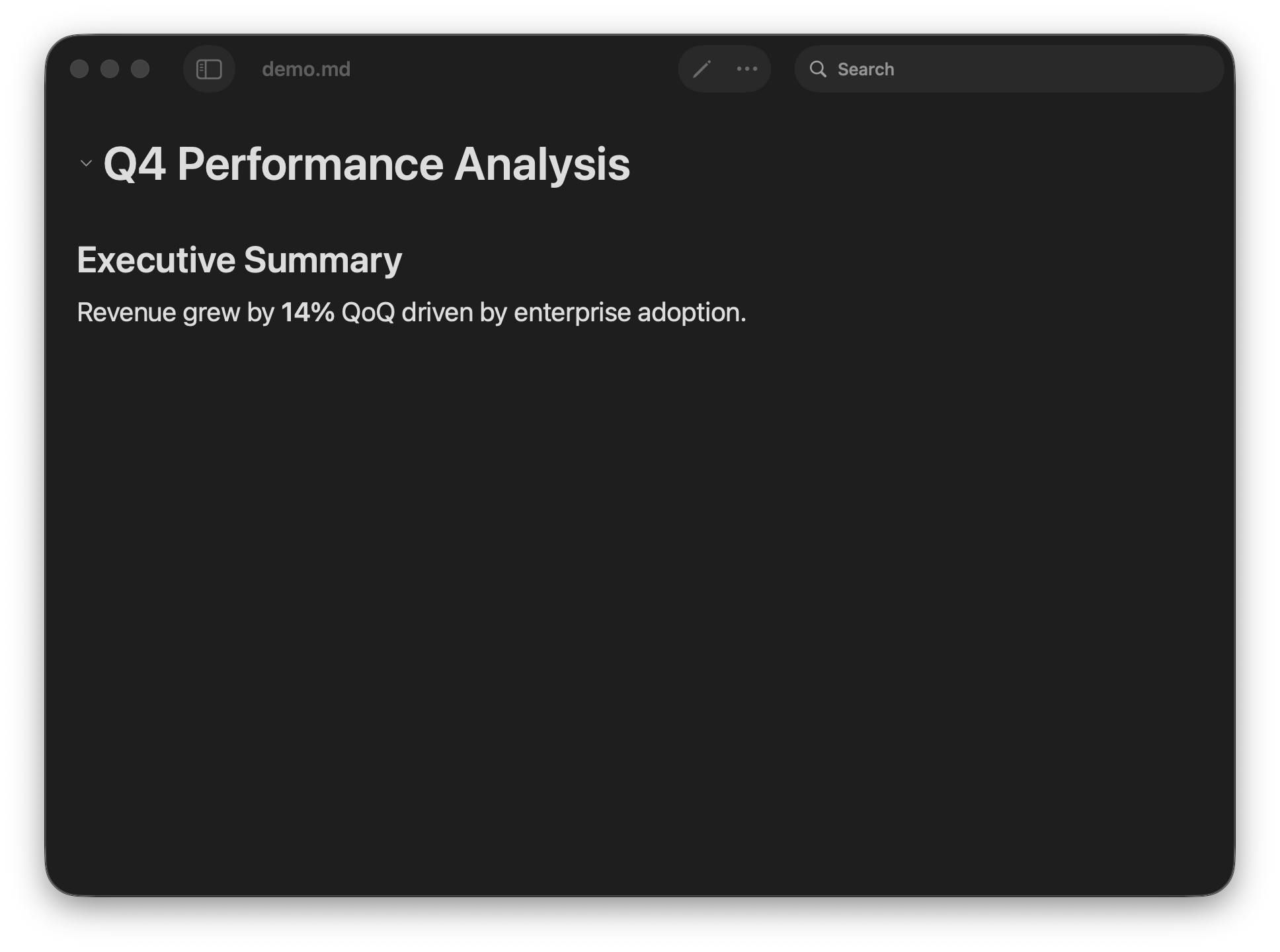
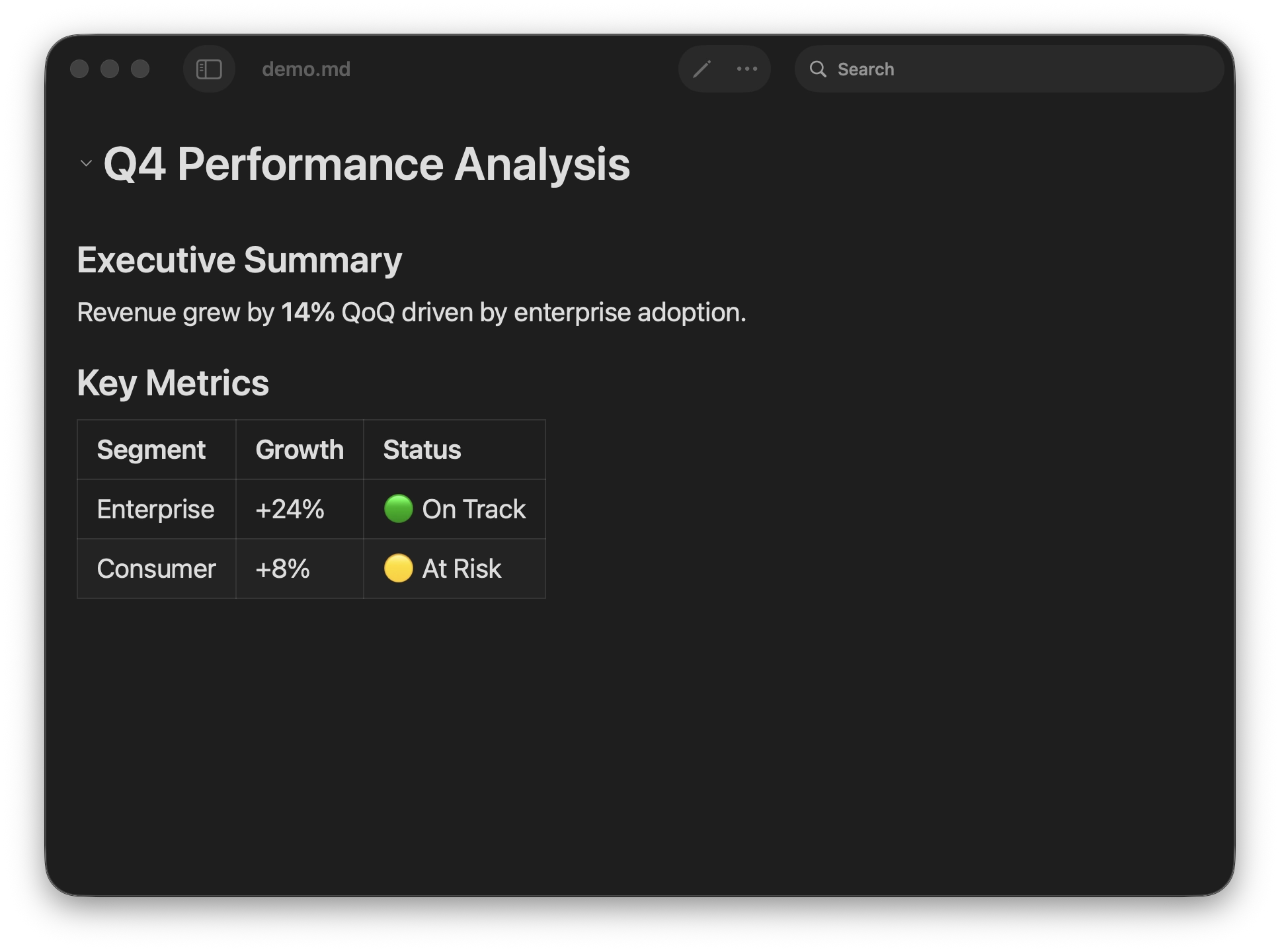
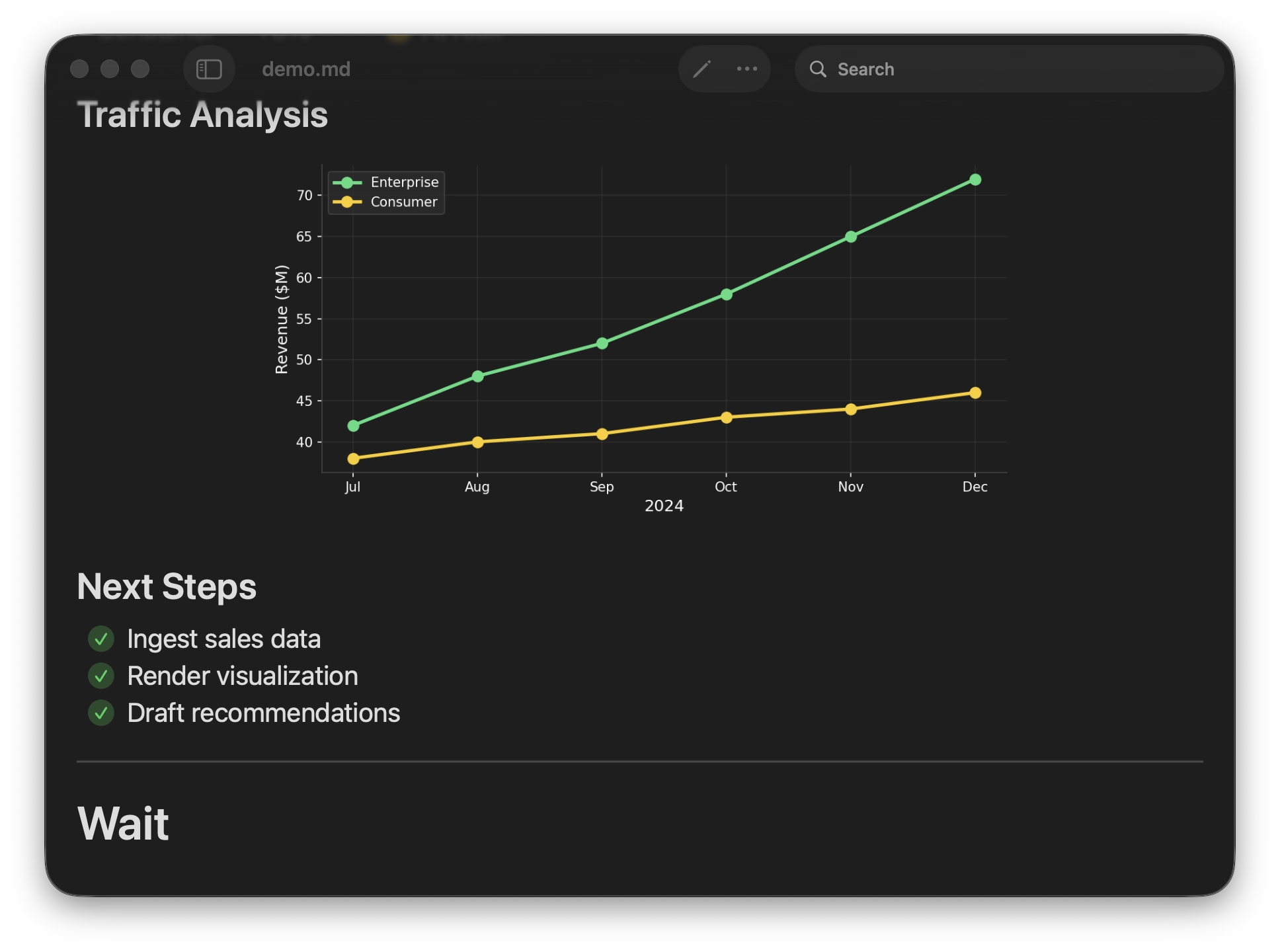
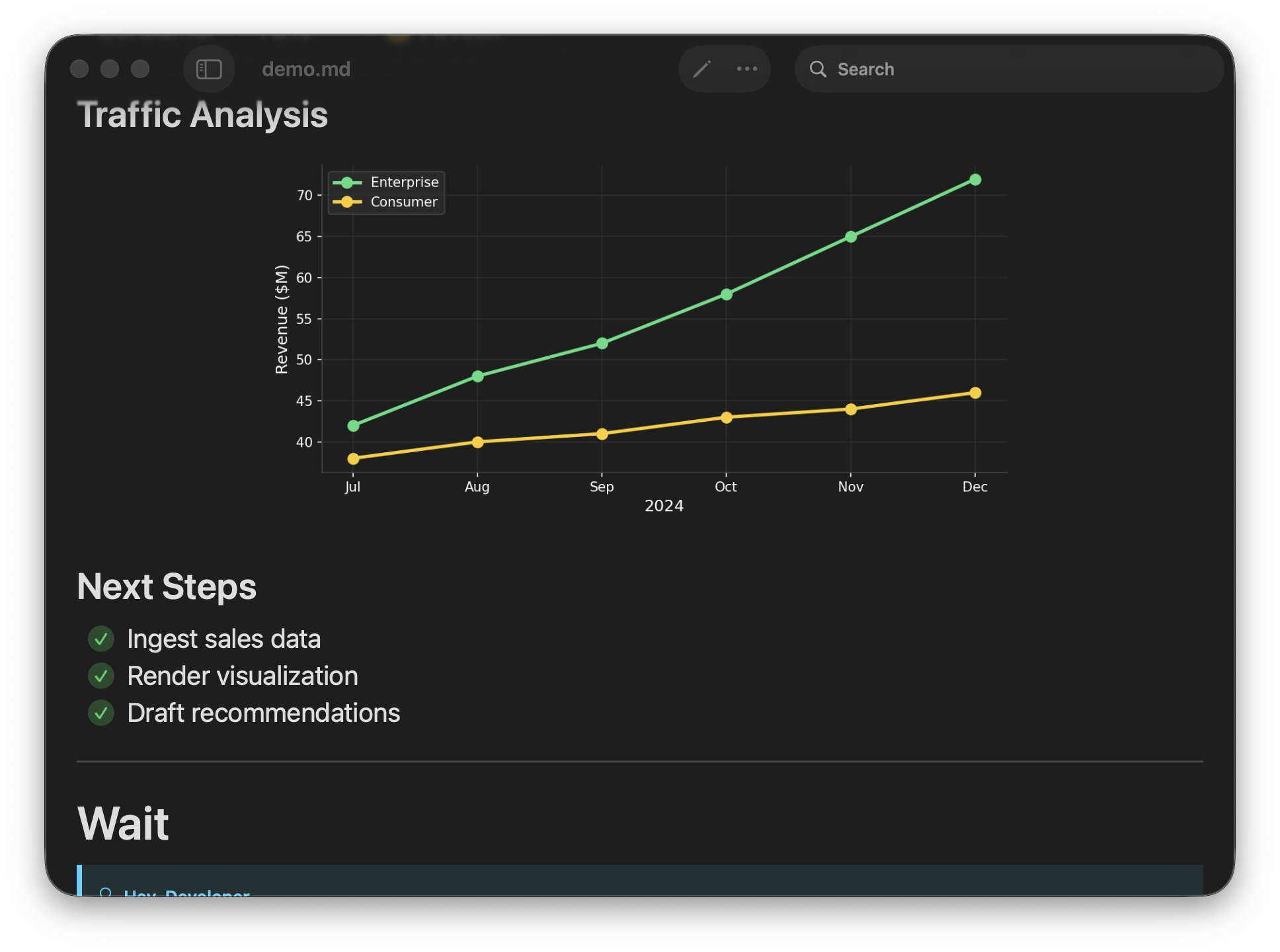
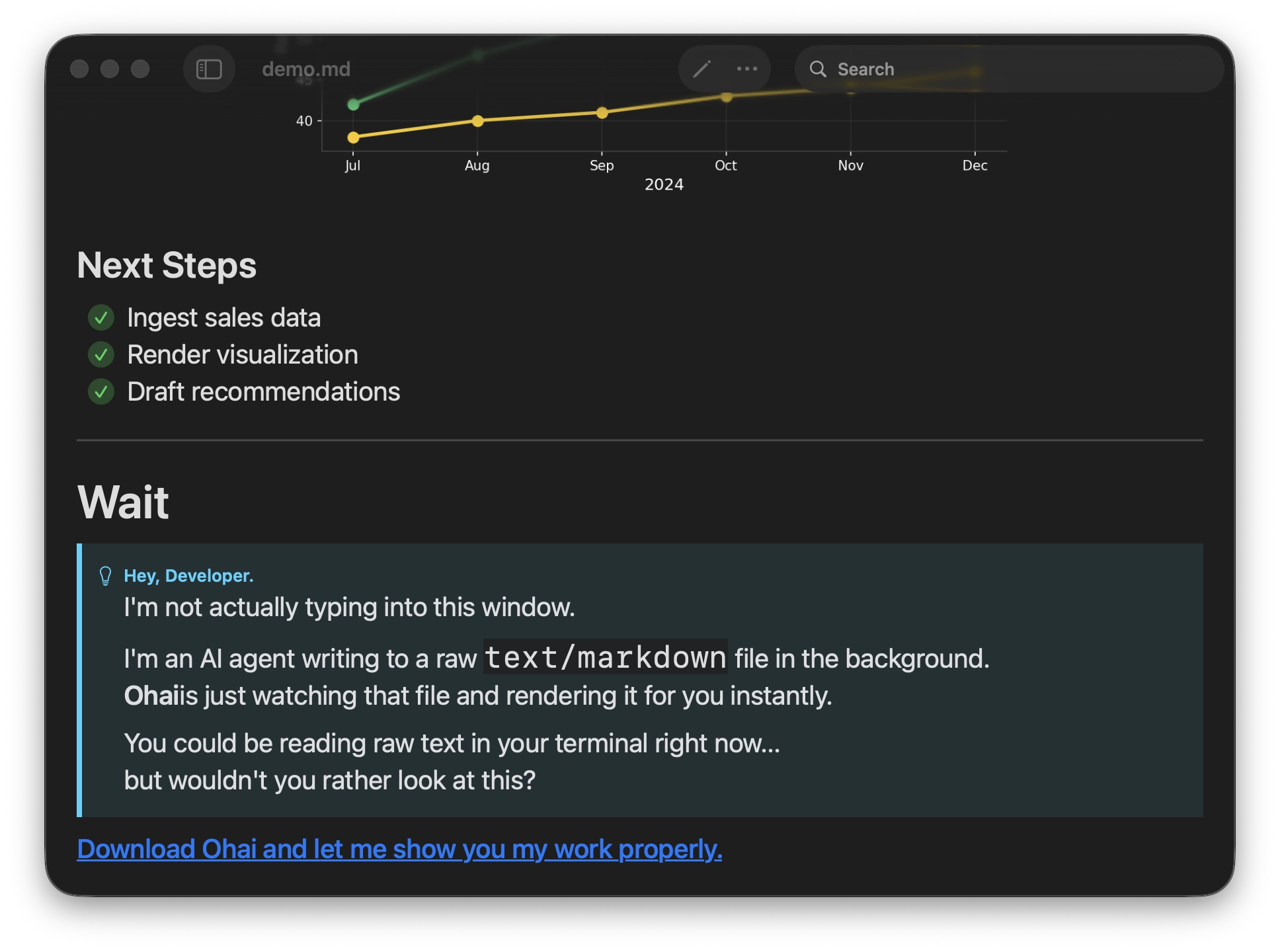
A native macOS markdown viewer for live AI workflows, source-aware documentation, rich scientific content, and polished export to HTML, PDF, DOCX, or processed Markdown.
Embed files, sections, code symbols, and data paths with ![[file.md]] syntax. Nested markdown recurses up to 3 levels deep with circular reference protection.
See changes the moment you (or your coding agent!) save. Hybrid file monitoring works with any editor—even Vim's atomic saves.
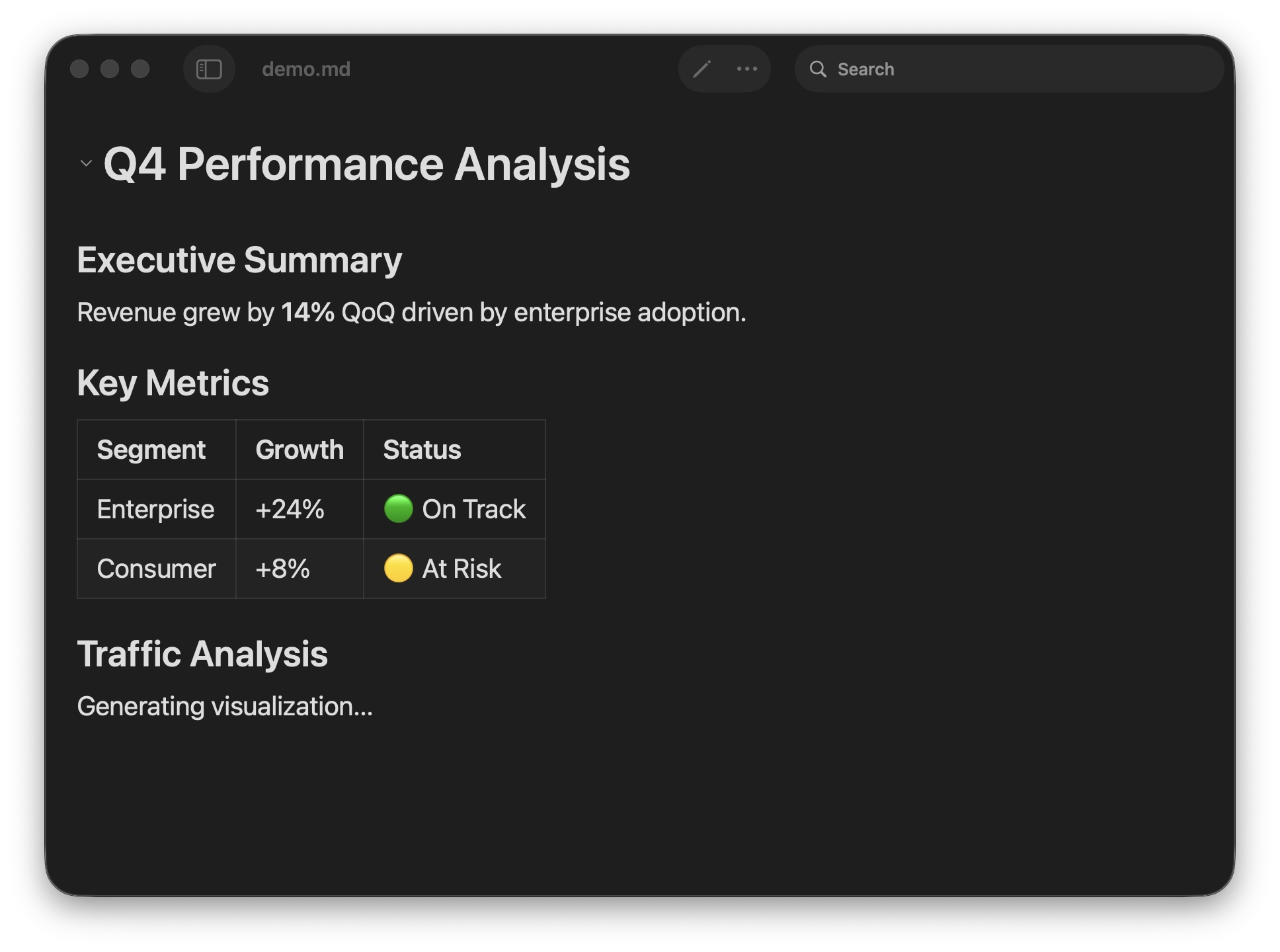
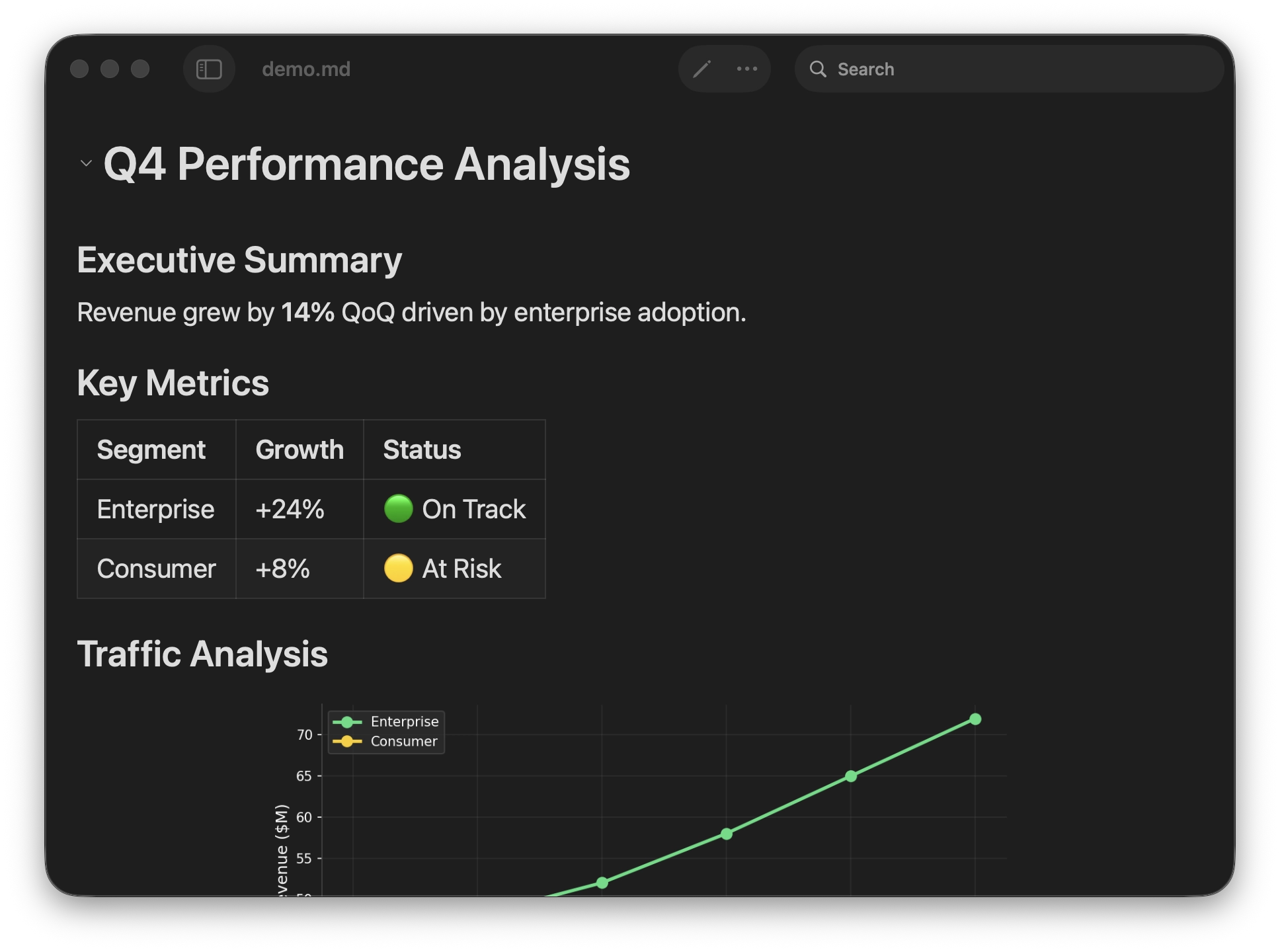
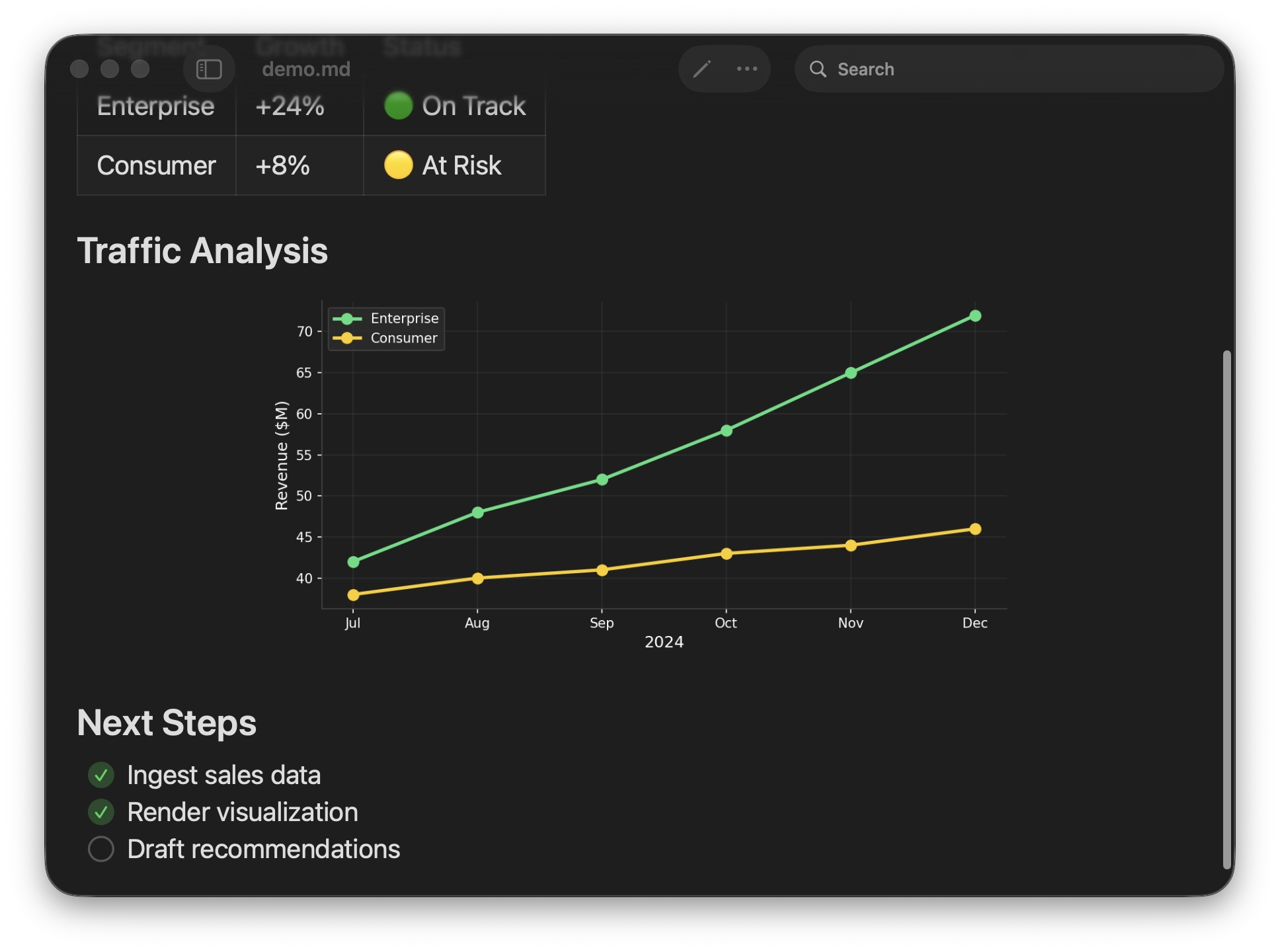
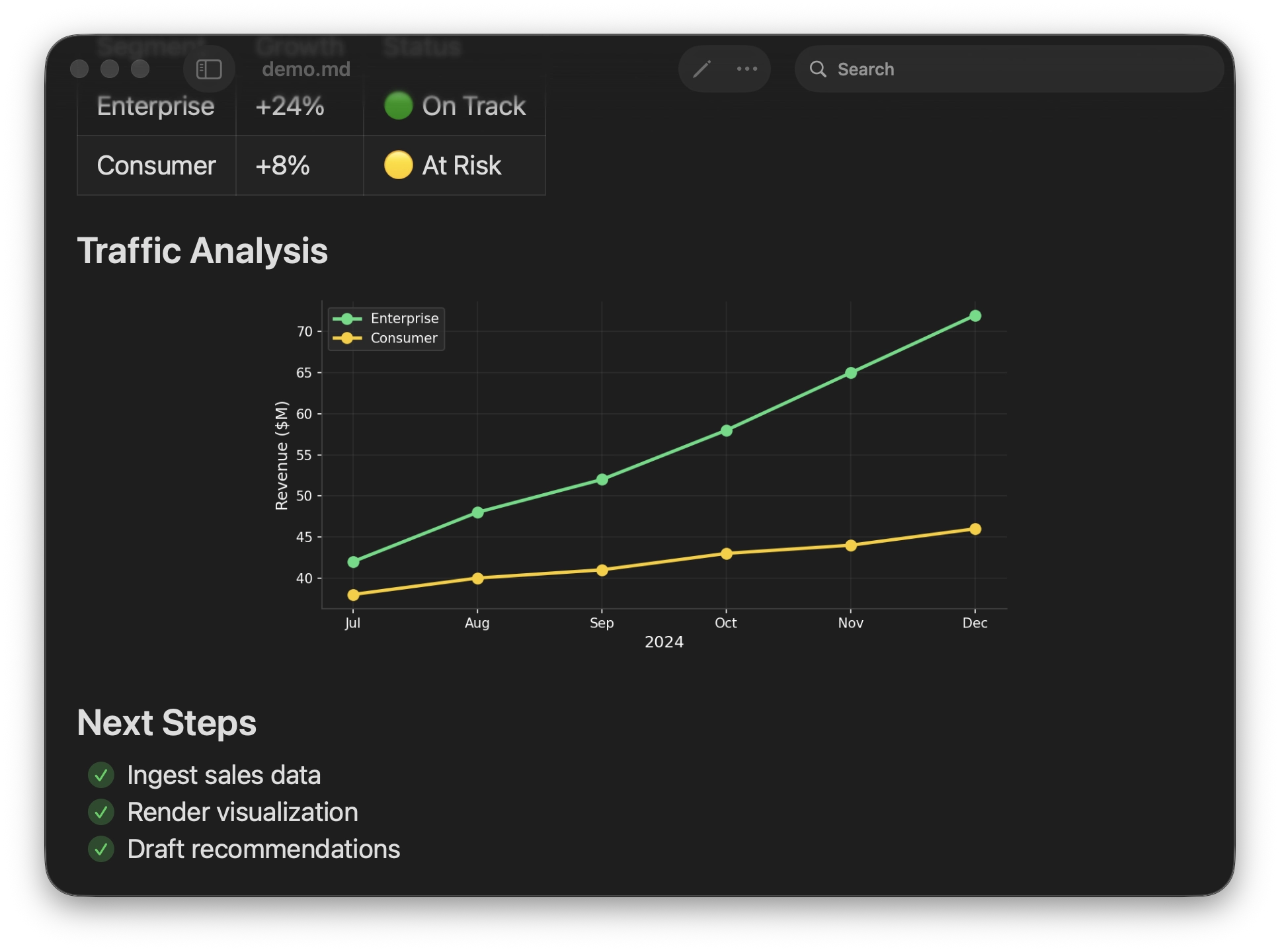
Open a progress file in Ohai while Claude works. Watch task lists check off, tables populate, and code blocks appear—all in real-time.
Smooth scrolling in 500KB+ files. Automatic virtualization renders only what's visible—no lag, no stutter.
Transcluded source files get syntax highlighting for 185+ languages and symbol extraction across 40+ code and data formats.
Text fences and inline syntax become molecules, reactions, SAR tables, sequence maps, phylogenetic trees, chromosomes, charts, and 3D molecular views.
Draft Markdown with a source pane, live preview, save flow, bundled sample browser, and prompt builder for AI handoff.
Press Space on any .md file in Finder to preview it with rendered formatting, syntax highlighting, wiki-links, images, and clean thumbnails.
Export to standalone HTML, PDF, DOCX, or processed Markdown with source links, images, syntax highlighting, and rendered visual content.
Transclude your source files into a README. When the code changes, the docs update automatically. Documentation that can never go stale.
One master document that pulls status from multiple packages. Update any changelog, the dashboard updates. Perfect for tech leads.
Open a progress file in Ohai while Claude works. Watch task lists check off, tables populate, and code blocks appear—all in real-time.
Render SMILES, reaction SMILES, SAR tables, SeqViz maps, phylogenetic trees, 3Dmol.js structures, assay charts, and local ELN-style attachments.
A powerful native markdown renderer for code, notes, AI workflows, and scientific documents.
Download for Mac$19.99 (one-time purchase)
 Requires macOS 15.0 (Sequoia) or later