AI Pair Programming
Open a markdown file while your AI assistant works. Watch task lists check off, tables populate, and code blocks appear—all in real-time.
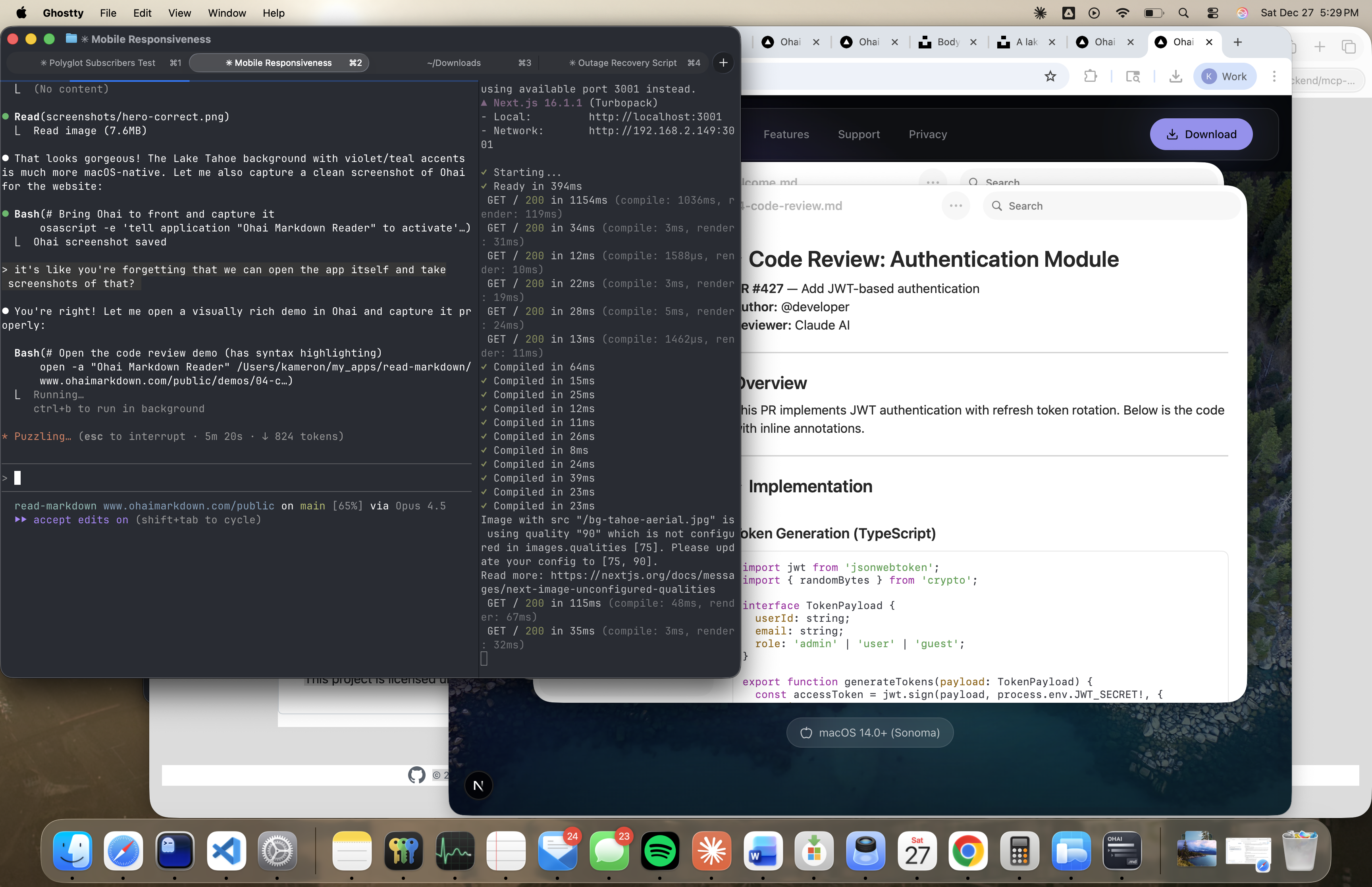
aiPairing.previewCaption
The experience
AI coding assistants like Claude Code write progress to markdown files as they work. With Ohai open alongside your terminal, you see everything happen live: task lists checking off, tables filling in, code blocks appearing with syntax highlighting.
It's like pair programming where you can actually see your partner's thought process. No more waiting for the AI to finish—you follow along in real-time and can interrupt if it goes off track.
What updates live
Task Lists
Watch checkboxes toggle from [ ] to [x] as the AI completes each step.
Tables
See data tables populate row by row as information is gathered.
Code Blocks
Watch code appear with full syntax highlighting as it's written.
Progress Documents
Follow along with structured progress reports that update continuously.
aiPairing.demosTitle
Parallel Sub-Agents, No Race Conditions
Claude Code's file-based transclusion unlocks a powerful pattern: multiple sub-agents can work simultaneously, each writing to its own file. A master document transcludes all the parts with ![[part1.md]], ![[part2.md]], etc. Each agent edits independently—no file locking conflicts, no merge issues, no race conditions.
Ohai renders the composed result live as each agent saves its piece. You see the full document update in real-time while parallel agents work on different sections. It's the difference between watching one writer versus a whole team collaborating—and Ohai shows you the combined result instantly.
Works with
Any AI tool that writes to markdown files.
Pro tip
Ask your AI assistant to create a progress.md file at the start of complex tasks. Open it in Ohai and watch the work unfold.
Ready to see your AI assistant at work?
Download for Mac